Diablo completo en tu Nintendo DSi y 3DS. Juega tocando la pantalla, como con el ratón. The full Diablo on your Nintendo DSi and 3DS. Play by tapping the screen, just like a mouse.
Hellspawn es una versión de DevilutionX adaptada a mano para las dos pantallas de la DSi. Hellspawn is a version of DevilutionX hand-adapted to the DSi's two screens.
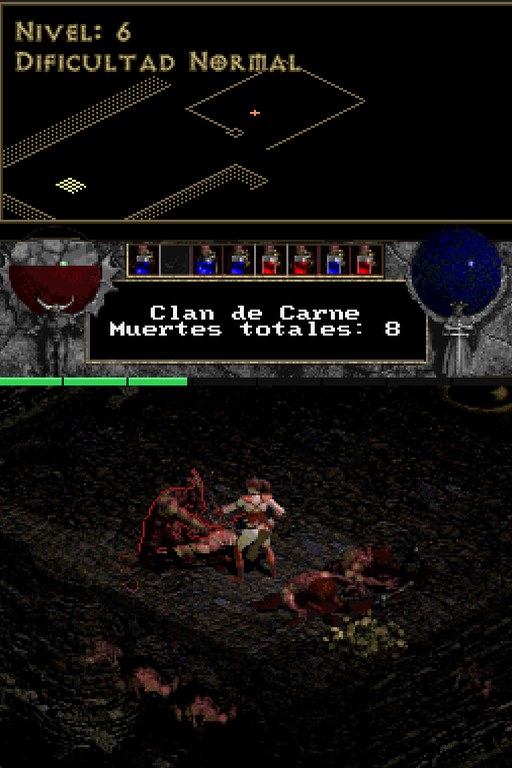
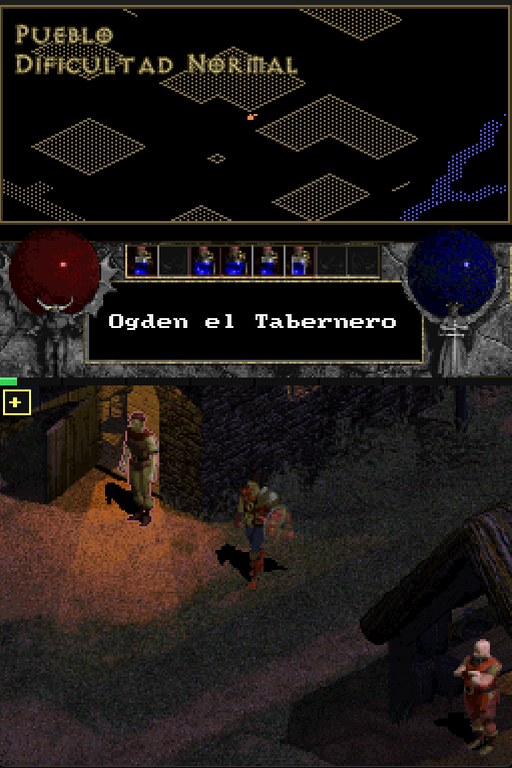
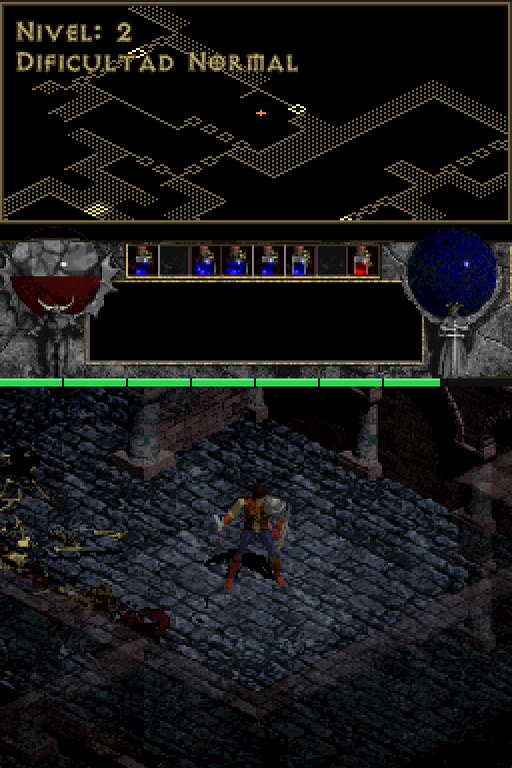
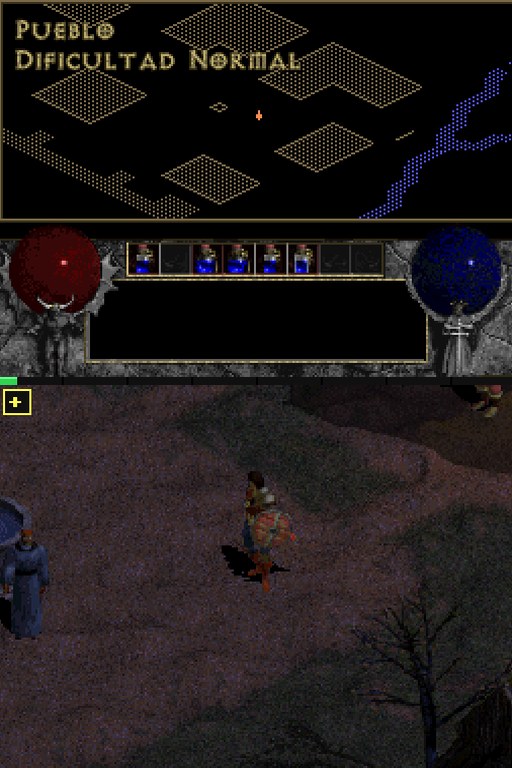
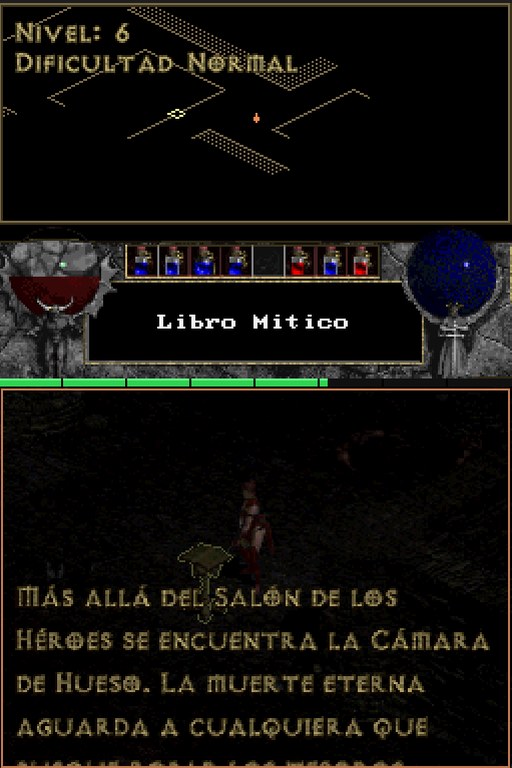
El mundo en la pantalla táctil; vida, maná, cinturón, mapa y textos en la de arriba. The world on the touch screen; life, mana, belt, map and text on the top one.
Toca para andar, atacar y coger objetos. Botón A para atacar, cruceta para el cinturón. Tap to walk, attack and pick up items. A button attacks, D-pad uses the belt.
Juega con un amigo sin Internet, consola con consola (2 jugadores probados; 3 en pruebas). Play with a friend without Internet, console to console (2 players tested; 3 in testing).
Banda sonora que se desbloquea al llegar a cada zona, cinemáticas y créditos. Soundtrack that unlocks as you reach each area, cinematics and credits.
103 monstruos por descubrir, con sus animaciones de ataque y muerte. 103 monsters to discover, with their attack and death animations.
Cambia el idioma desde el menú. También funciona en el emulador melonDS. Switch language from the menu. Also runs on the melonDS emulator.
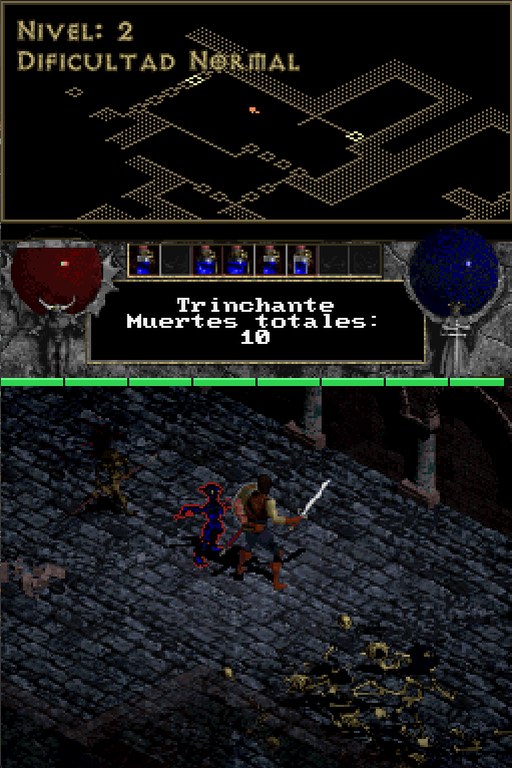
HUD clásico de Diablo en la pantalla de arriba: frascos de vida y maná, cinturón, minimapa, nombre de enemigos y objetos, y barra de experiencia. El mundo, en la táctil. Classic Diablo HUD on the top screen: life and mana flasks, belt, minimap, enemy and item names, and an experience bar. The world, on the touch screen.
Menús con letra grande, diálogos de NPC y misiones a pantalla completa, cinturón de 2×4 en la táctil, aviso de subida de nivel y avisos de durabilidad junto al minimapa. Large-font menus, full-screen NPC dialogue and quests, a 2×4 belt on the touch screen, level-up notice and durability warnings next to the minimap.
Probado en DSi XL y New 3DS XL con TWiLight Menu++. Tested on DSi XL and New 3DS XL with TWiLight Menu++.
DIABDAT.MPQ de tu juego original (por ejemplo, la versión de GOG); está en su carpeta de instalación.
You need your own copy of Diablo. Hellspawn includes no Blizzard files. Use the DIABDAT.MPQ from your original game (for example, the GOG version); it's in the install folder.
preparar_sd.exe.DIABDAT.MPQ a la ventana y pulsa Enter.F) y pulsa Enter.hellspawn.nds desde TWiLight Menu++ en modo DSi.preparar_sd.exe.DIABDAT.MPQ onto the window and press Enter.F) and press Enter.hellspawn.nds from TWiLight Menu++ in DSi mode.preparar_sd.exe elige la opción 2 (carpeta para melonDS, por defecto C:\melonDS).dldi_sd.bin y la carpeta C:\melonDS\sd.hellspawn.nds.preparar_sd.exe choose option 2 (melonDS folder, C:\melonDS by default).dldi_sd.bin image and the C:\melonDS\sd folder.hellspawn.nds.Los pasos completos vienen en el archivo LEEME.txt del zip.Full steps are in the LEEME.txt file inside the zip.
Port a Nintendo DSiNintendo DSi port
Imagen del menú principal e iconoMain menu art and icon
Demotester
El código en el que se basa el portThe code this port is based on · GitHub
Por crear DiabloFor creating Diablo
Si te gusta Hellspawn y quieres invitarme a un café, puedes hacerlo aquí. Es totalmente opcional. If you enjoy Hellspawn and want to buy me a coffee, you can do it here. It's completely optional.
 HELLSPAWN